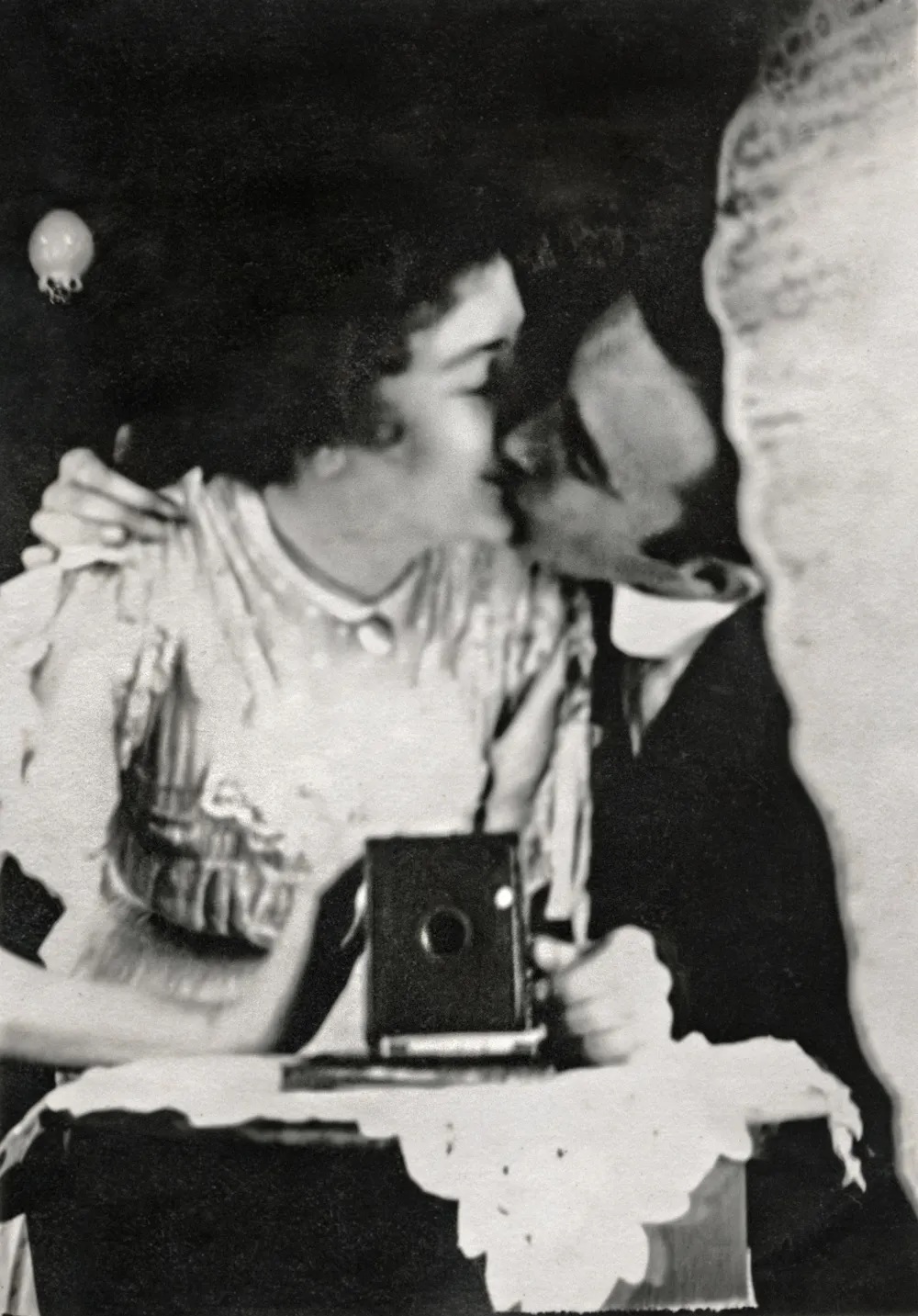
Somewhere in every family there is a video that nobody has watched properly in years. Maybe it lives on an old DVD, maybe on a laptop that belonged to an uncle, or maybe it got forwarded so many times in the family group that no one remembers who filmed it. The faces are soft and the colors have gone a bit flat. Still, when someone finds it and presses play, the whole room goes quiet for a minute. That says a lot about what these clips are worth.
So the question is not whether such a video is good. It clearly isn't, at least not by today's standards. The real question is whether it can be made a little easier to watch without losing what makes it special. That is the job Wink was built for, and this guide looks at how to use it carefully on a family recording.

Why a Rough Recording Still Matters
Home movies from the past were never expected to be of high quality. The filming was done using small video cameras and the old cell phones, often in bad lighting conditions. It would then be copied several times, from tape to DVD to hard drive to finally an app for chatting. Each copying lost some information.
However, what made this clip valuable was not the detail; it was in a grandmother’s laughter, a father’s younger appearance, or how two people looked at each other during a holiday which no one else had recorded. A cleanup job should preserve that experience and not substitute it.
Ask First, Then Keep the Original Safe
Before you proceed to post anything, it would be wise to first seek advice from the people captured in the video. If the people in the video are no longer around, then it would be wise for the family members to make a decision whether the video should be posted or not. There are some family members who feel comfortable having the video posted while others do not, and asking first prevents disappointment later on. Another thing that should be considered is where the video should be posted.
Second rule is pretty simple. Copy the file, save it somewhere else twice, for example, on your laptop and the cloud drive, and edit only the copy. If you do not like the result, nothing much is lost.
What Wink Brings to Family Footage
Wink is Meitu’s AI enhancement platform for photos and videos. The main aim of Wink is to enhance the media that one already possesses, and therefore it becomes easy to apply in home videos. One can work with the web-based version, as well as the Windows, Mac, iPhone, and Android application versions of the tool.
A few of its features can be used on vintage video files. The HD video converter increases the resolution and reduces softness. The Video Repair is intended for vintage videos, which have blur and noises. AI Color Correction works with distorted colors that have turned orange or grayish due to the passage of time. Lastly, Old Photo Restoration works with faded photographs that were scanned from prints.
Trying It on an Old-Style Clip
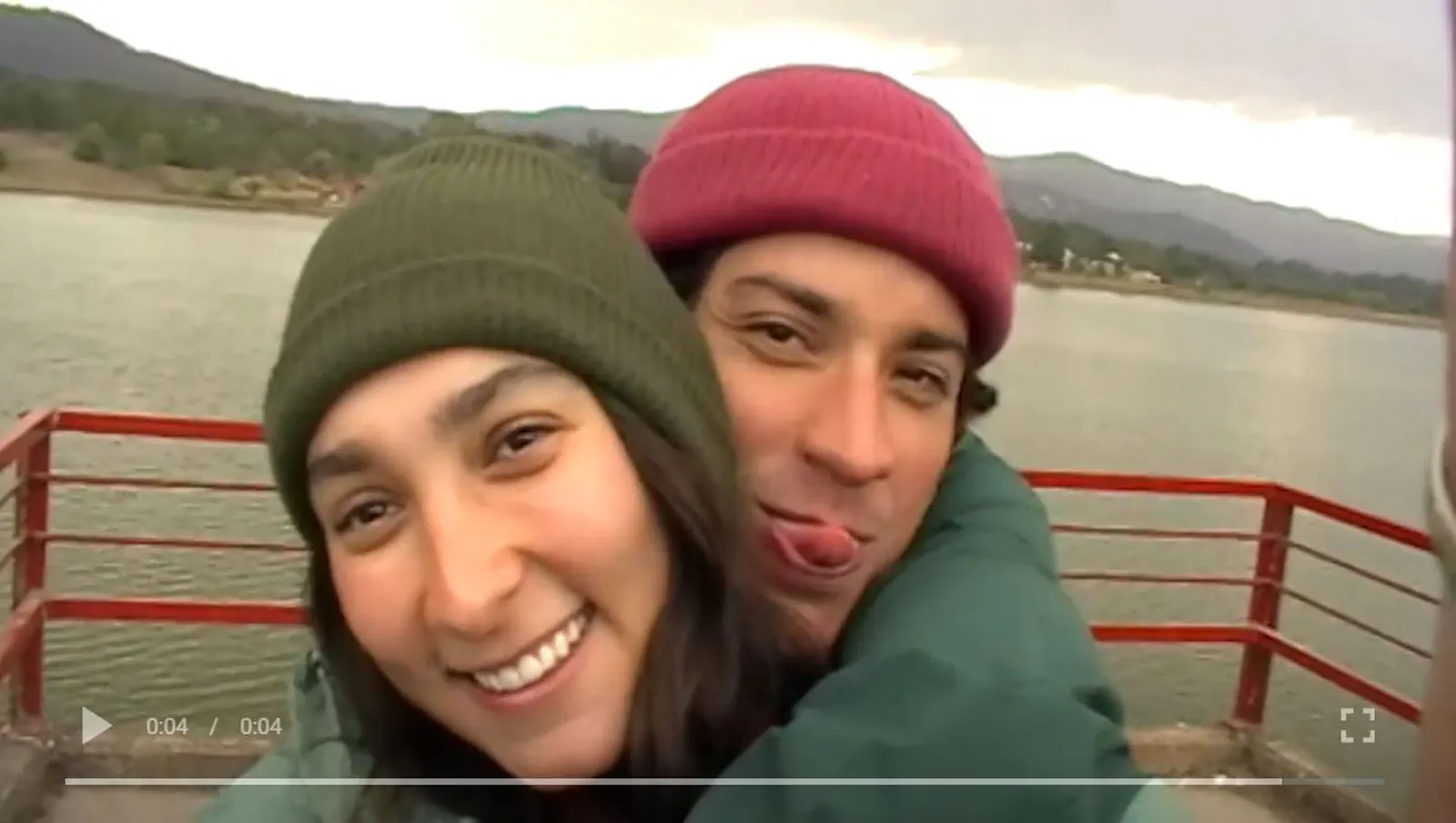
In order to ensure that a private family video was not uploaded to the site, the test involved an older style family video clip provided by Mixkit for free. This video depicts a young couple shooting a selfie near a lake on a gloomy day where there is a red railing and hills in the background. It has the typical old-school family video feel with soft facial features, slightly faded colors, and slight graininess along with movement of the camera all the time. The test was done in the web version.
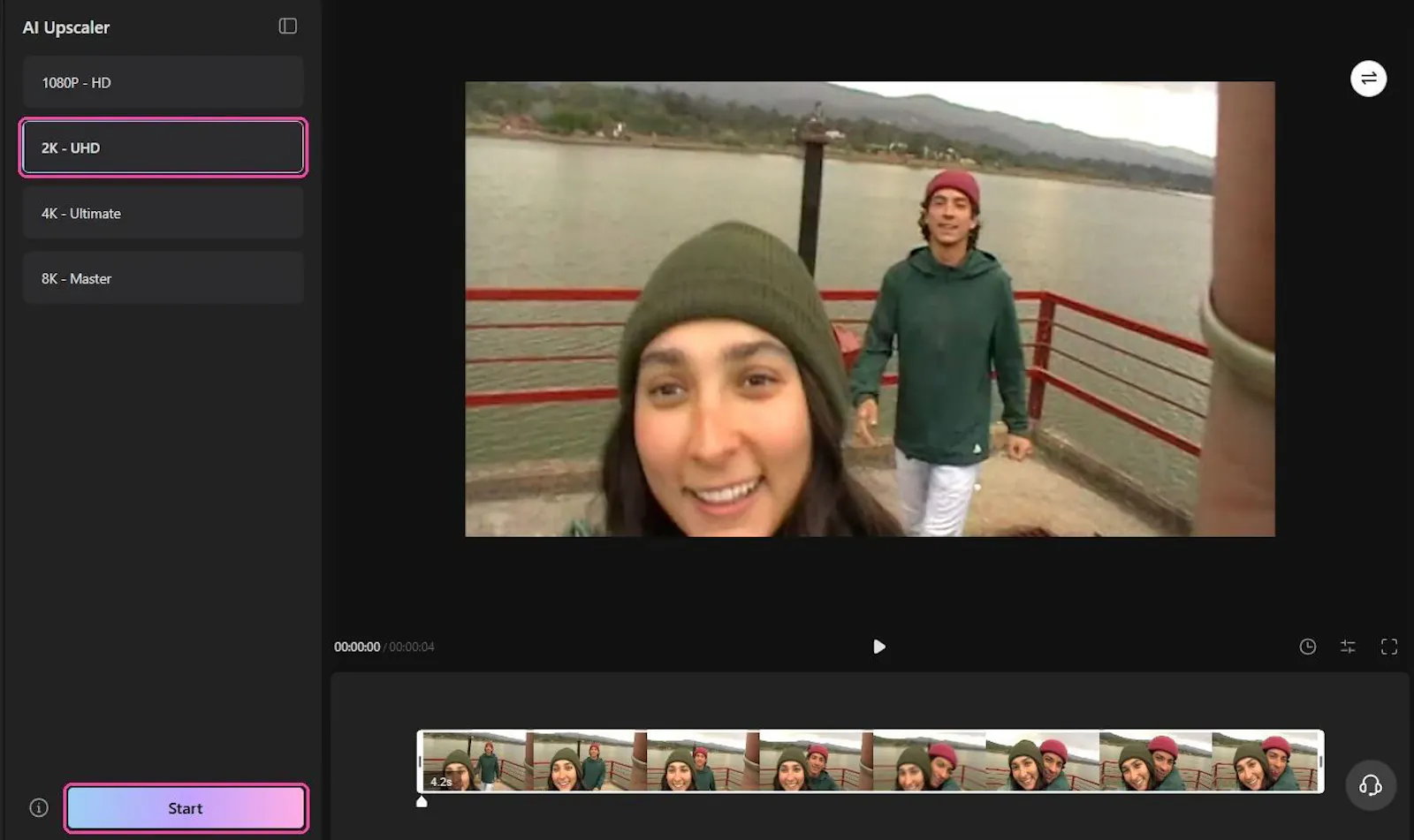
The clip went into Wink’s HD video converter. Four levels of outputs will be shown after uploading and these include 1080P HD, 2K UHD, 4K Ultimate, and 8K Master. In this case, 2K UHD was chosen as family videos are usually viewed on a TV in the living room where even a small improvement in the resolution can be seen clearly. There are no sliders available for this screen. When the start button is clicked, the program decides on its own the level of sharpness and cleaning required.
Looking Closely at the Result
With Wink’s compare slider, it is easy to check the same frame before and after. The difference was noticeable but not exaggerated. .
First of all it was their faces that stood out. Their eyes, eyebrows and smiles could be seen clearer than ever, but neither of them looked any different from before - there was no artificial skin or any reshaping.
The clothing was up next. The woolen beanies regained their texture, and the pleats of the green coats were distinct once again rather than just a single color.
Lighting remained faithful to its original form. The lighting in the original clip is gloomy and cloudy, and so remained in the copy too. There may have been some improvement in the clarity of colors, but there was no transformation into a sunny summer day by Wink and only the lines were sharpened up.
In regards to movement, the video was still playing at regular speed like before, except with less grain and sharper lines.
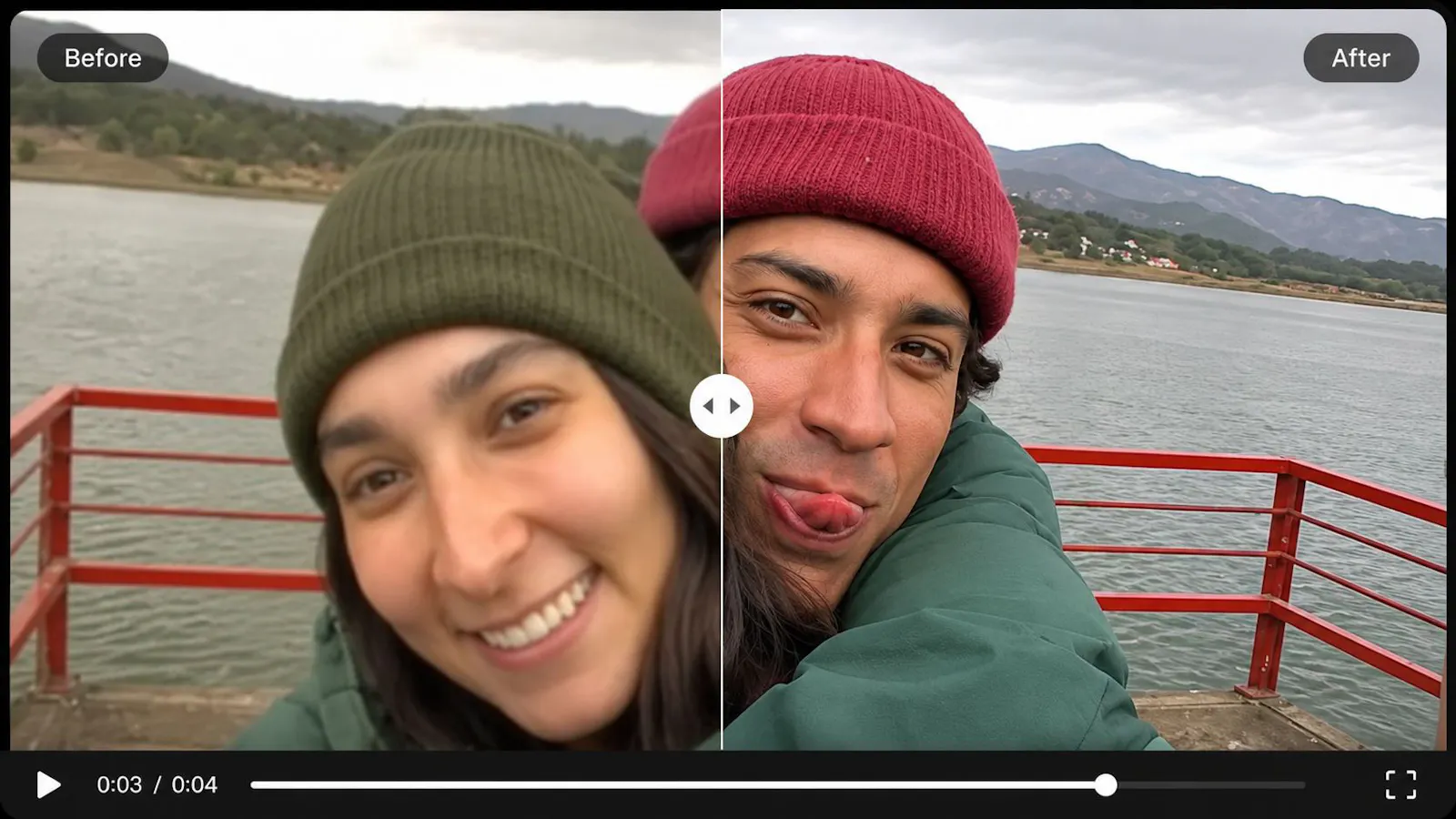
The same moment before and after Wink.
When Less Enhancement Is Better
When it comes to working on family movies, less can sometimes mean more. The use of grain, warmth, or a slight color fading, as well as light inconsistencies, all these attributes play a role in giving the movie a nostalgic aspect. Exaggerating all features of the clip will result in improving its quality but could affect its authenticity negatively.
Always start off with average output levels and compare them with the original. If everything looks and feels right regarding the people in the video, you should not add more. But when more precision is required, in cases like this, Wink’s Video Enhancer allows the restoration strength to be adjusted.
It is also important to note how this works. The AI adds details depending on its knowledge of other images. This results in a better video, but not necessarily a historically accurate one. Having both the original and the enhanced side by side, along with the marking of the latter, ensures clarity in the future.
Bringing It Back to the Family
After the clip looks perfect, distribute it in the manner everyone agreed to. A private photo album, a cloud drive or family chat can be used here. Elder members usually like to watch it on the television set, where high-resolution is best enjoyed.
The old video doesn’t have to look new; it just has to be viewable. Select that one clip your family discusses all the time, run a copy through Wink, and experience what it is like to relive the moment.